
To make digital note-taking truly stick, start by setting clear goals and overcoming obstacles like distractions. Choose an app that suits your style, supports multimedia, and syncs across devices. Organize your notes with tags, visual maps, and consistent formats for quick access. Use techniques like summarizing, linking, and visual cues to boost memory. Regularly review and refine your notes to keep them relevant and inspiring. Keep exploring further to discover more strategies for lasting ideas.

Turn your quiet moments into listening time
- Thousands of audiobooks, podcasts and originals
- Listen on your phone, tablet or Echo — also offline
- Cancel anytime
Key Takeaways
- Set clear goals and routines to establish consistent note-taking habits aligned with your learning and creativity needs.
- Regularly review and refine notes to keep information relevant, organized, and inspiring for ongoing idea development.
- Choose digital tools with seamless synchronization, multimedia support, and easy organization features to support diverse note formats.
- Use visual aids, tagging, and linking to enhance memory retention and connect related ideas effectively.
- Incorporate active engagement and spaced repetition techniques to solidify understanding and foster long-term retention of ideas.
digital note-taking app with multimedia support
As an affiliate, we earn on qualifying purchases.
As an affiliate, we earn on qualifying purchases.
Identify Your Note-Taking Goals and Challenges

Before you start taking notes, it’s essential to clearly define what you want to achieve and the obstacles you might face. Understanding your personal motivation helps you stay focused and committed to developing effective note-taking habits. Ask yourself why you’re taking notes—are you trying to learn, organize, or remember information? Recognizing potential challenges, like distractions or inconsistent routines, allows you to address them early. When your goals are clear, you’ll find it easier to build habits that support your needs. Establishing specific objectives keeps you motivated, ensuring your note-taking efforts feel purposeful. By aligning your goals with your personal motivation, you’ll create a sustainable system that makes your notes meaningful and easier to review later.
best note organization tools for students
As an affiliate, we earn on qualifying purchases.
As an affiliate, we earn on qualifying purchases.
Choose the Best Digital Note-Taking App for Your Needs
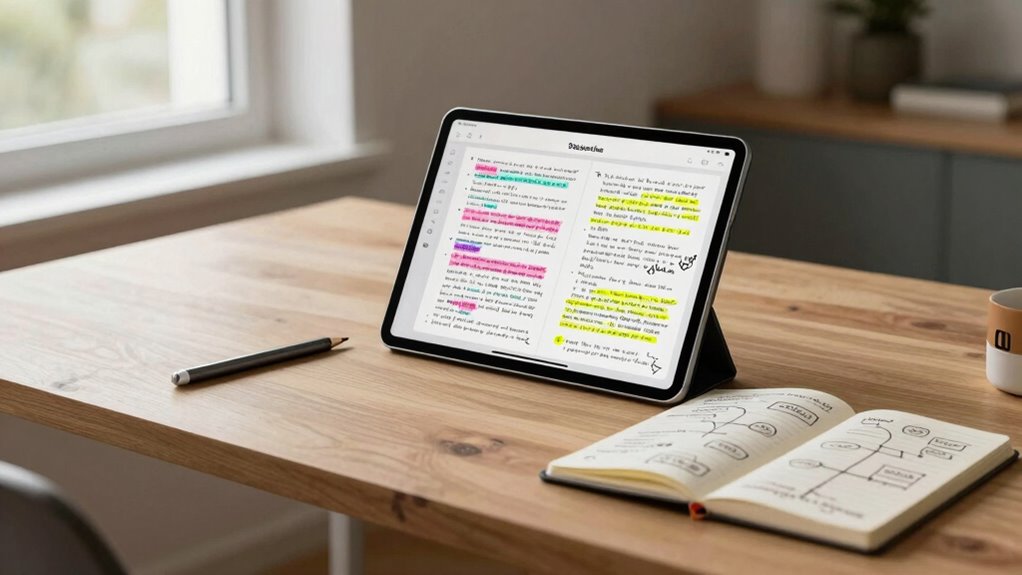
To pick the right app, focus on features that align with your note-taking style, like handwriting support or multimedia options. Make sure it works smoothly across all your devices, so your notes stay accessible and organized. By prioritizing these points, you’ll find an app that truly fits your needs. Additionally, consider how the app can enhance your digital content creation by supporting various formats for your notes.
Features That Matter
Choosing the right digital note-taking app depends on identifying the features that truly matter to you. Prioritize tools that enhance memory retention, helping you review and recall information easily. Look for apps with features like tagging, highlighting, or spaced repetition to reinforce learning. Creative formatting options are also essential; they let you customize notes with images, colors, bullet points, or sketches, making ideas more memorable and engaging. These features help you organize your thoughts clearly and creatively, making notes more than just plain text. Focus on apps that support your unique style and workflow, ensuring your notes are accessible, visually appealing, and functional. Ultimately, selecting an app with these features will make your note-taking more effective and enjoyable.
Compatibility With Devices
Sure! Here’s your revised article subheading content with the addition:
—
Since you’ll likely want to access your notes across multiple devices, compatibility is a crucial factor when selecting a digital note-taking app. Look for strong device synchronization to guarantee your notes stay up-to-date no matter what device you use. Cross-platform compatibility is essential, letting you seamlessly switch between Windows, macOS, Android, or iOS without losing functionality. Some apps offer better synchronization speeds and more reliable syncing, so consider those with cloud-based systems for real-time updates. If you work across different devices frequently, prioritize apps that support multiple platforms and integrate well with other tools you use daily. Choosing an app with robust compatibility prevents frustrations and keeps your ideas flowing smoothly, regardless of the device in your hand. Additionally, being aware of media literacy principles can enhance how you organize and interpret your digital notes. Incorporating methods like aromatherapy techniques can further improve your focus and retention while taking notes.
—
Let me know if you need any further adjustments!
note-taking app with tagging and linking features
As an affiliate, we earn on qualifying purchases.
As an affiliate, we earn on qualifying purchases.
Organize Your Notes for Clarity and Quick Retrieval
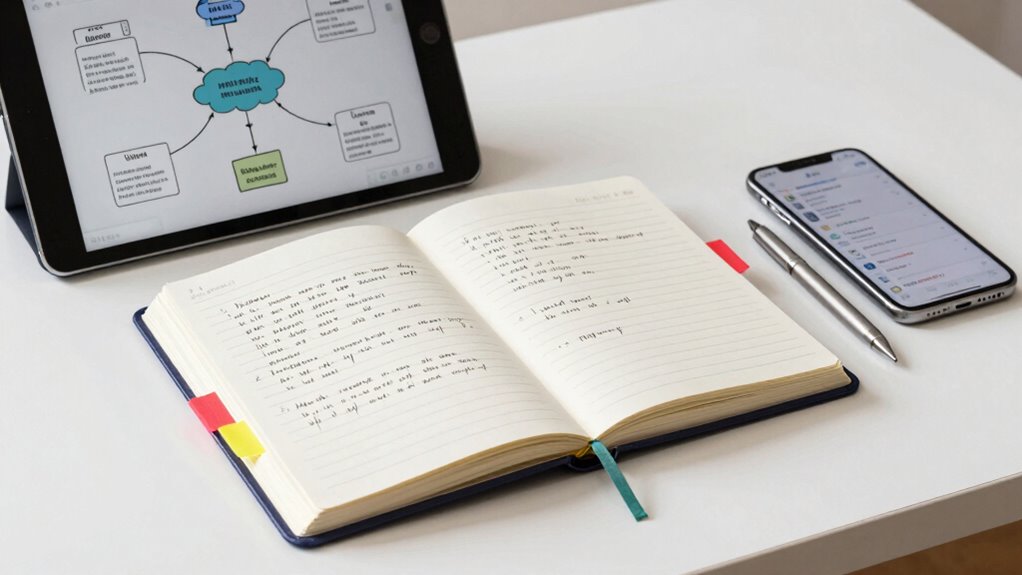
Organizing your notes effectively is essential for clarity and quick retrieval. Start by using mind mapping to visually connect related ideas, making complex topics easier to understand and navigate. Incorporate keyword tagging to label notes with relevant terms, so you can find specific information instantly. Keep your notes structured with clear headings and subheadings, and use consistent formats for similar content. Regularly review and update your system to guarantee it stays relevant and manageable. By combining mind mapping and keyword tagging, you create a flexible, intuitive system that helps you access ideas swiftly. This approach minimizes clutter and maximizes clarity, so you can focus on what matters most—your ideas and insights.
cross-device compatible digital note app
As an affiliate, we earn on qualifying purchases.
As an affiliate, we earn on qualifying purchases.
Use Techniques That Help Your Notes Stick and Boost Memory

To make your notes truly stick, you need to engage your brain actively during the review process. Using effective techniques can boost your memory and reduce cognitive load. Mnemonics techniques, like acronyms or vivid imagery, make complex information easier to recall. Chunking info into manageable groups simplifies learning and prevents overwhelm. Repetition, spaced over time, strengthens neural connections, much like how high refresh rates enhance gaming experiences. Testing yourself regularly reinforces understanding. Furthermore, incorporating elements from best anime films can inspire creativity during your note-taking sessions. Ultimately, summarizing key points in your own words helps solidify knowledge. Additionally, incorporating physical activities like foam rolling can enhance your overall recovery and HRV, which in turn supports better cognitive function. Engaging in outdoor living activities can also improve your mood and cognitive capabilities. Understanding the principles of firewood preparation can further enhance focus and productivity during your note-taking sessions.
Add Visuals and Links to Make Your Notes More Effective

Adding visuals like charts or images can make your notes more memorable and easier to review. Including relevant links connects your notes to additional resources, enhancing understanding. By combining visuals and links, you create a more engaging and effective note-taking system.
Incorporate Visual Elements
Incorporating visual elements like diagrams, charts, and images can transform your digital notes from plain text into engaging, memorable resources. Visuals help you process information faster and make connections clearer. Use mind mapping to organize ideas hierarchically, showing relationships at a glance. Color coding highlights key points, making important concepts stand out instantly. Adding images can trigger visual memory, reinforcing your understanding. Here are some ways to enhance your notes:
- Create mind maps for complex topics
- Use color coding for categories or importance
- Insert relevant images or icons
- Add simple diagrams to illustrate processes
- Link to online visuals or sources for deeper context
These techniques keep your notes lively and easier to review, ensuring your ideas stick.
Use Relevant Links
Embedding relevant links into your digital notes connects you to additional resources, making your study sessions more dynamic and thorough. By adding links to articles, videos, or related notes, you create a web of knowledge that’s easy to navigate. Use these links to support your ideas with examples or references, enhancing your understanding through mind mapping or note sharing. This approach keeps your notes organized and interconnected, saving time searching for info later. Here’s a quick example:
| Type of Link | Purpose | Example |
|---|---|---|
| Resource link | Deepen understanding | Article on memory techniques |
| Visual link | Clarify concepts | Diagram of mind map |
| Note sharing link | Collaborate with others | Shared project notes |
| Video link | Visual explanation | Tutorial on digital tools |
| Reference link | Support claims | Academic paper on learning |
Additionally, consider incorporating poolside clambakes for a fun and interactive note-taking session with friends.
Review and Refine Your Notes for Long-Term Use
To guarantee your notes remain useful over the long term, it’s essential to regularly review and refine them. This process helps clear mental clutter and boosts mental clarity, making it easier to access ideas when needed. As you revisit your notes, look for opportunities to organize, condense, and clarify key concepts, enhancing their potential for creative inspiration. You can:
Regularly reviewing and refining notes keeps ideas fresh, clear, and inspiring over time.
- Summarize lengthy sections for quick review
- Highlight core ideas and insights
- Remove outdated or irrelevant information
- Add new connections or perspectives
- Ascertain consistency in format and language
Regular refinement keeps your notes relevant and accessible, turning them into a reliable source for ongoing inspiration and understanding. This habit ensures your notes evolve with your knowledge and support long-term growth. Additionally, using tools that help detect passive voice can improve the clarity of your notes.
Avoid Common Digital Note-Taking Mistakes
While regularly reviewing and refining your notes keeps them useful, many people fall into common pitfalls that undermine their effectiveness. One mistake is succumbing to distractions, which breaks your focus and hampers note quality. Another is inconsistent note-taking habits, making it hard to find or trust your notes later. To overcome distractions, create a dedicated, clutter-free space and turn off notifications. Maintaining consistency involves setting a routine and choosing a familiar note-taking system. Consider this comparison:
| Mistake | Solution |
|---|---|
| Overcoming distractions | Use focus tools and eliminate interruptions |
| Inconsistent habits | Stick to a routine and system |
| Poor organization | Use clear headings and tags |
| Overloaded notes | Keep notes concise and focused |
| Lack of review | Schedule regular reviews |
Additionally, keeping your notes organized can help you maintain effective note-taking habits, similar to how a consistent routine supports productivity.
Frequently Asked Questions
How Often Should I Review My Digital Notes for Optimal Retention?
You should review your digital notes regularly for the best retention, ideally using spaced repetition. Start by revisiting notes after one day, then after a few days, a week, and gradually increase the intervals. This approach enhances memory reinforcement, helping ideas stick longer. Consistent review sessions make your learning more effective, ensuring you retain important information over time without feeling overwhelmed.
What Are the Best Ways to Sync Notes Across Multiple Devices?
You should use cloud storage and cross-platform apps to sync your notes seamlessly across devices. Choose a reliable service like Dropbox, Google Drive, or OneDrive, which automatically updates your notes in real-time. Pair these with apps compatible across your devices, like Evernote or Notion. This way, your notes stay consistent, accessible, and organized whether you’re on your phone, tablet, or computer.
How Can I Ensure My Digital Notes Stay Secure and Private?
Ever wonder how to keep your digital notes truly private? You can do this by employing strong encryption practices and regularly updating your privacy settings. Make sure your note-taking app offers end-to-end encryption, so only you can access your data. Also, review and customize privacy options to control who can see or share your notes. Staying vigilant about these practices helps safeguard your ideas from prying eyes.
Are There Specific Note-Taking Techniques for Visual or Auditory Learners?
As a visual or auditory learner, you benefit from techniques like color coding and visual diagrams. Use different colors to highlight key ideas, making your notes more engaging and easier to recall. Incorporate visual diagrams, charts, or mind maps to organize information spatially, catering to your learning style. These methods help you connect concepts more effectively, making your notes not just informative, but also intuitive and memorable.
How Do I Transfer Handwritten Notes Into Digital Formats Effectively?
You can effectively transfer handwritten notes into digital formats by using a scanner app that recognizes handwriting styles and converts them into editable text. Start by scanning your notes, then choose a reliable OCR (optical character recognition) tool for digital conversion. This way, your handwriting—whether neat or messy—becomes easily accessible and searchable, ensuring your ideas stay organized and ready for review, no matter your handwritten style.
Conclusion
Mastering digital note-taking is like tending a vibrant garden—you need the right tools, clear organization, and regular care to see your ideas flourish. By setting goals, choosing the best apps, and refining your notes, you’ll cultivate a space where creativity and memory grow side by side. Keep nurturing this system, and your ideas will bloom into lasting insights, transforming your digital notes into a thriving landscape of innovation and clarity.
Fall Picks
fall essentials
As an affiliate, we earn on qualifying purchases.